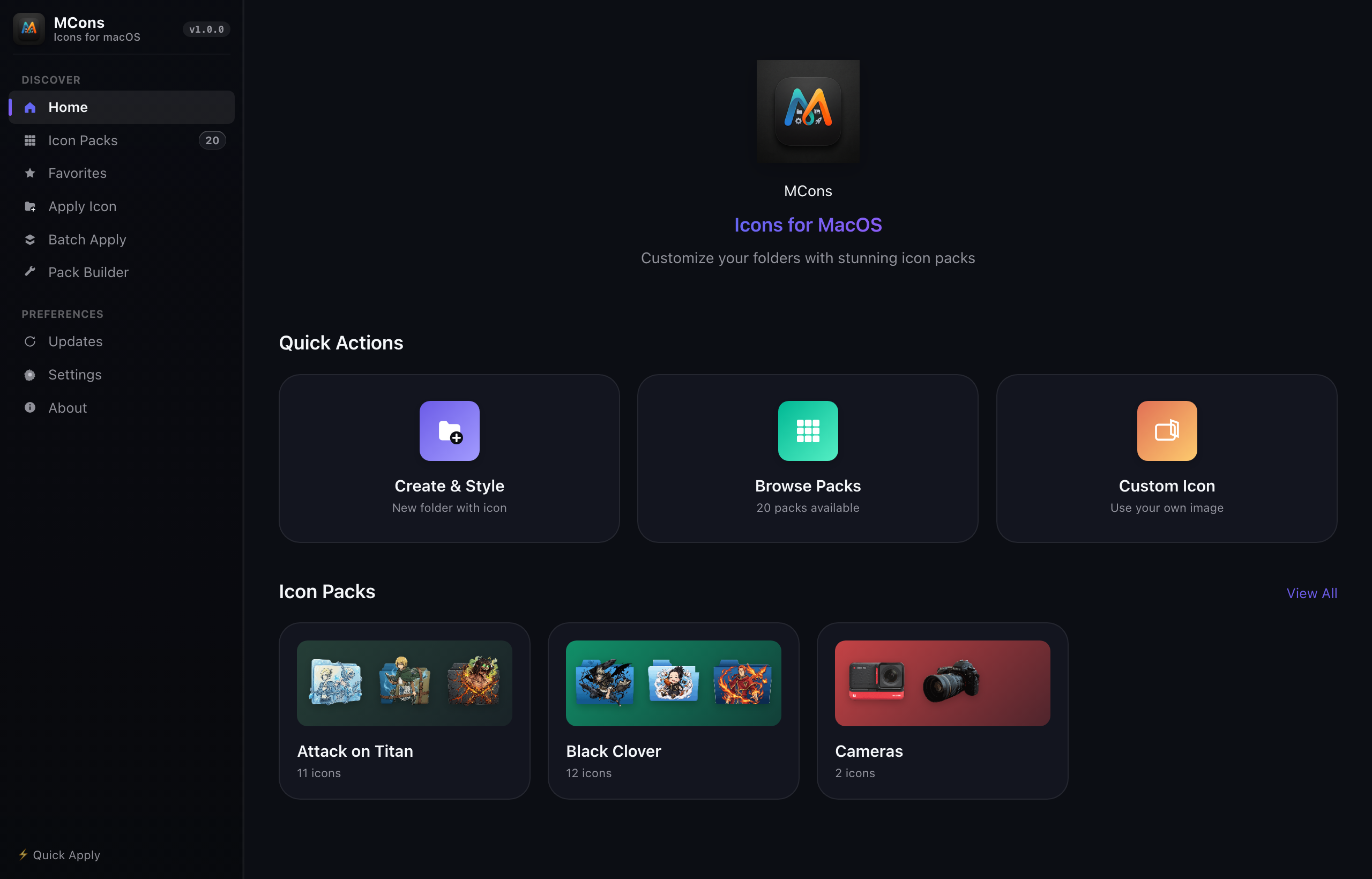
Transform system directories with 240+ handcrafted vector icons and custom color tints. Apply in milliseconds via the native GUI or automate directory styling with a headless Rust CLI.
curl -fsSL https://raw.githubusercontent.com/neel0210/MCons/main/install.sh | bash
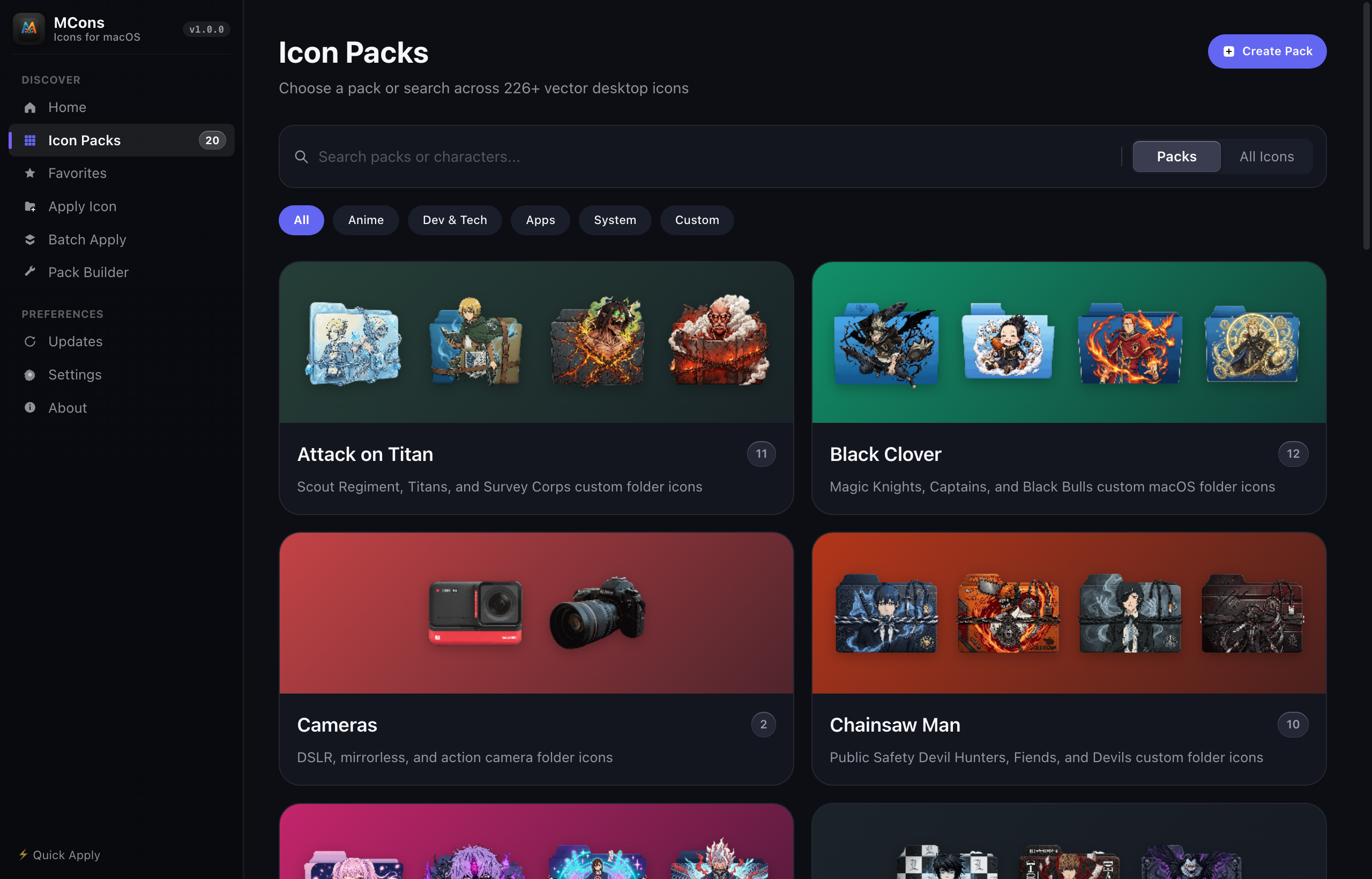 20 Curated Icon Packs
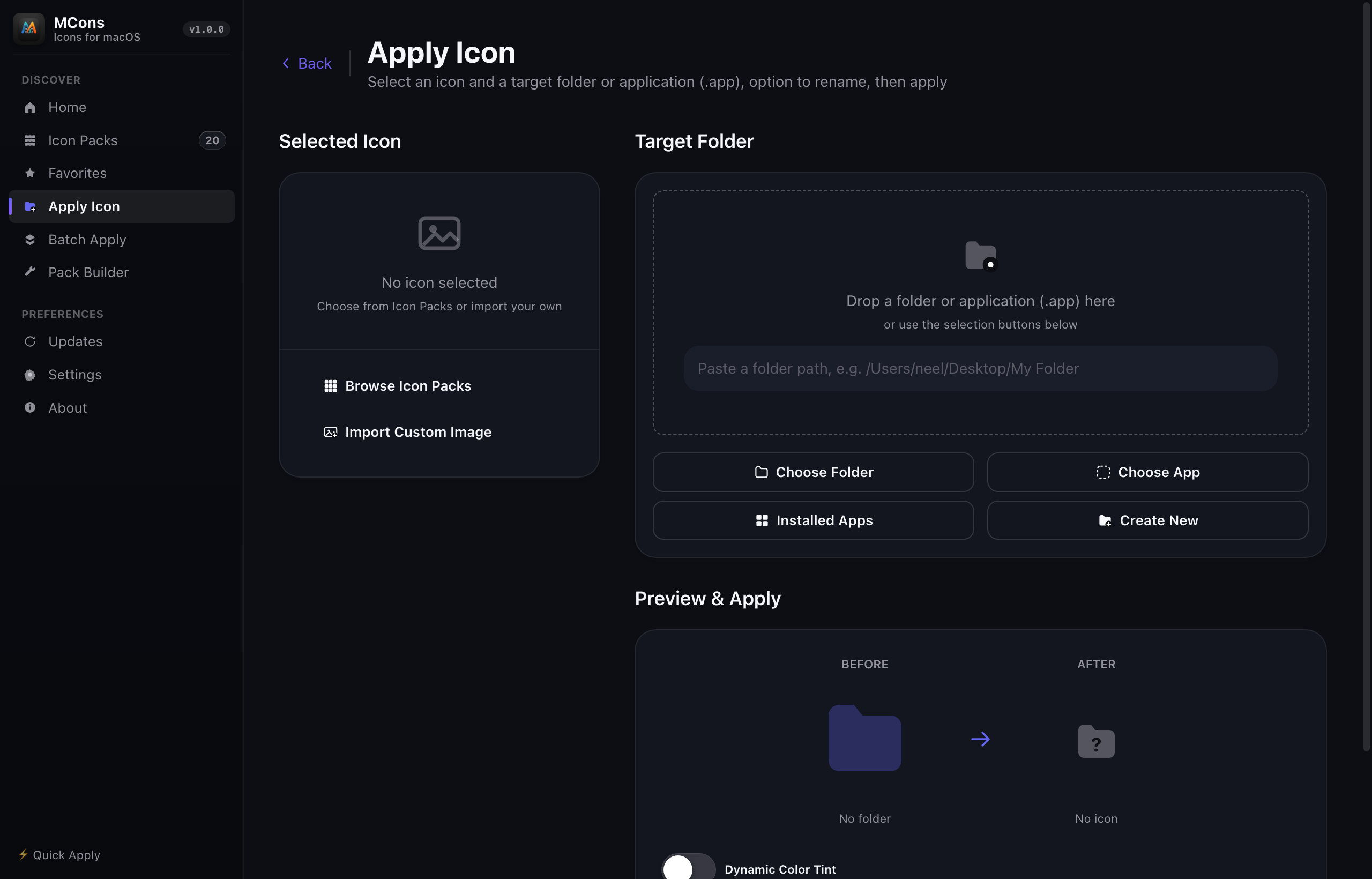 Folder Customization & Color Tinting
 Crisp Scalable Vector Grid
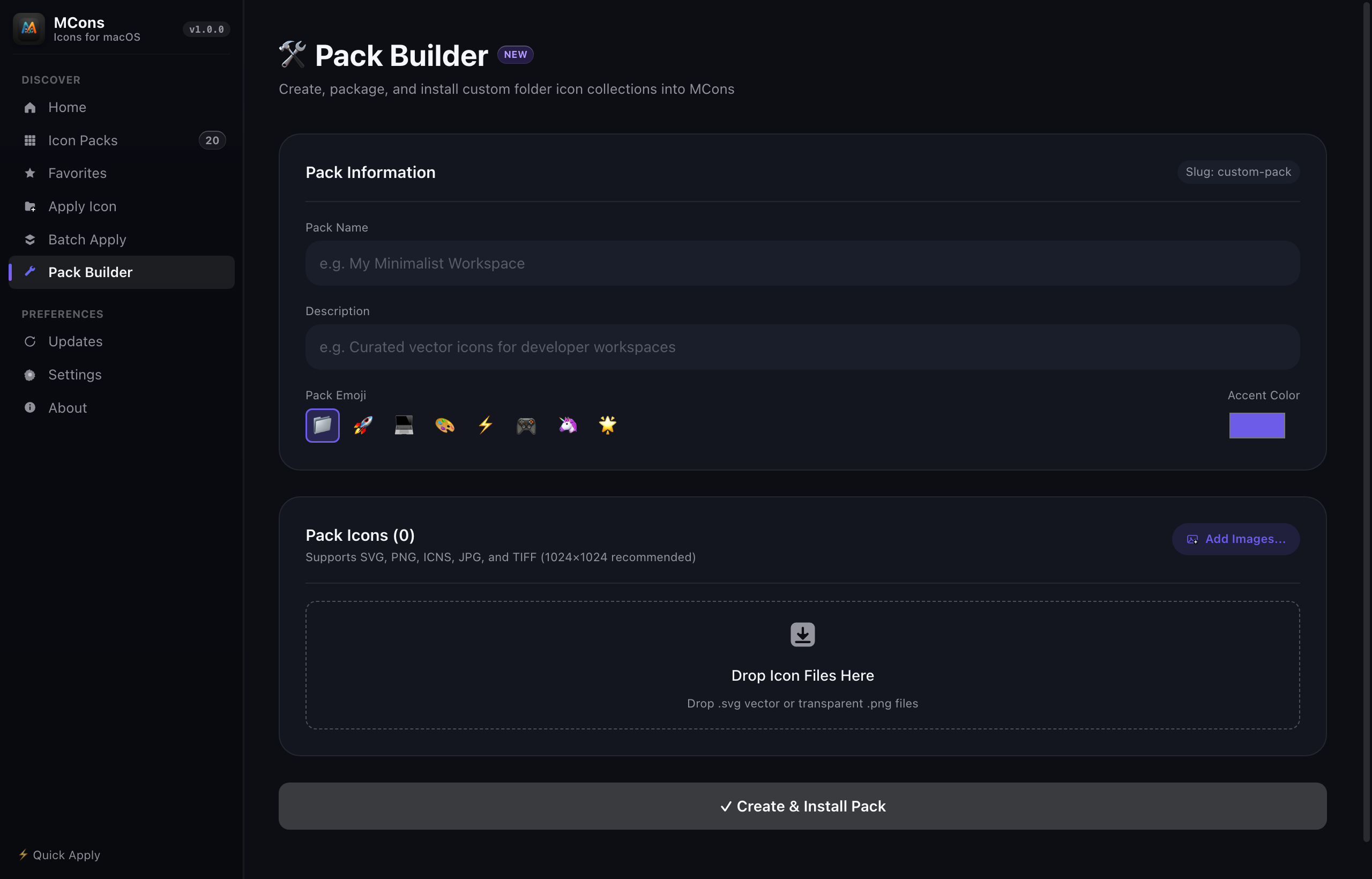 Visual SVG/PNG Pack Builder
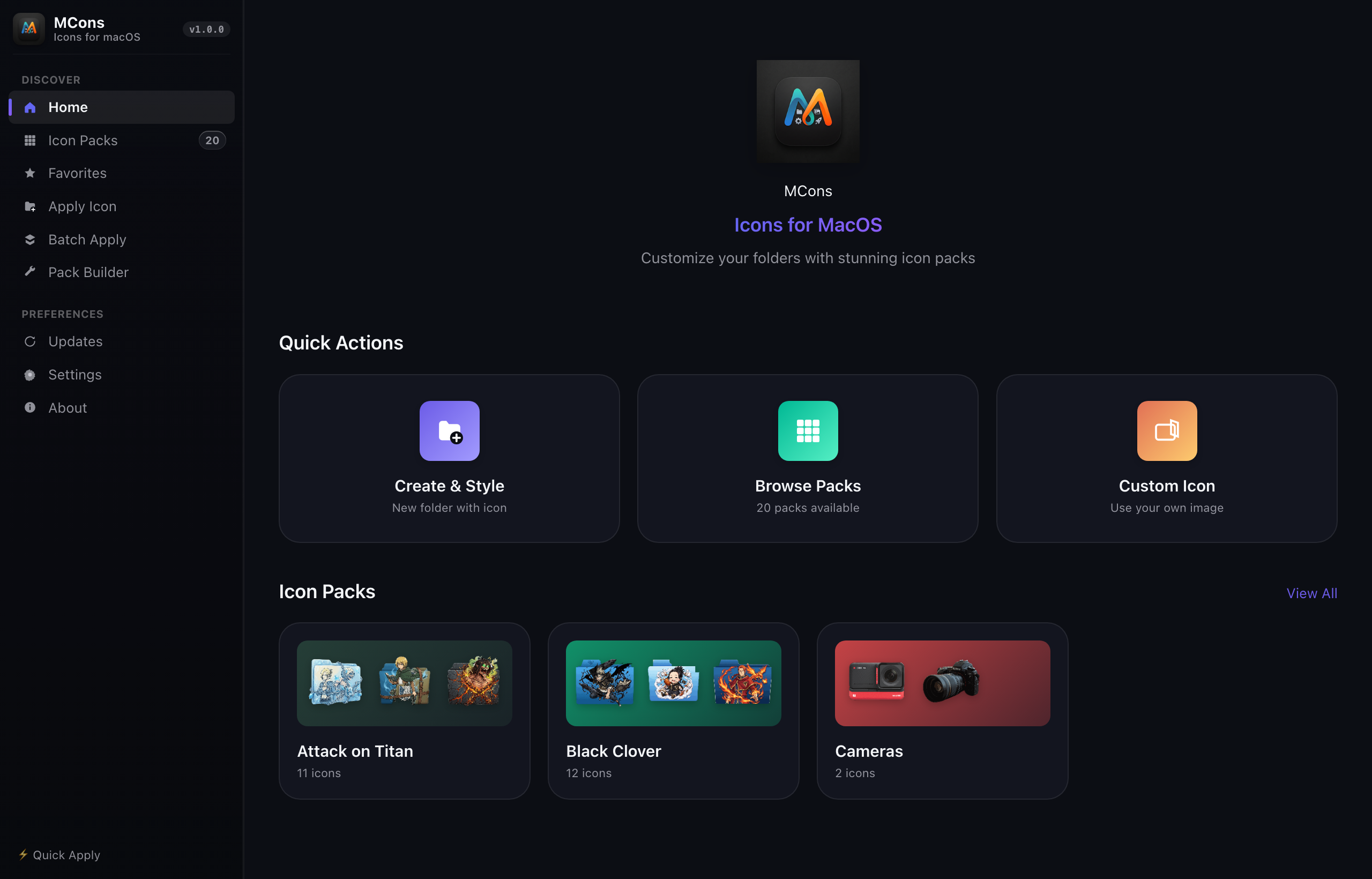 Recent Folders & Quick Apply
20 Curated Icon Packs
Folder Customization & Color Tinting
Crisp Scalable Vector Grid
Visual SVG/PNG Pack Builder
Recent Folders & Quick Apply
No daemons, no background memory footprint, and zero telemetry. MCons interacts directly with operating system APIs.
Stamps folder icons cleanly using native OS structures. On macOS, MCons updates Finder attributes (com.apple.FinderInfo) and sets Icon\r resources. On Windows, it configures desktop.ini and sets read-only folder attributes.
A high-performance image engine compiled in Rust. Automatically trims transparent boundaries, calculates contrast-preserving color matrices, and generates multi-scale .icns and .ico files without external dependencies.
All 20 icon packs are embedded directly into the portable application binary. Never downloads assets from external servers during runtime. Works entirely air-gapped on private systems.
Import sets of SVG or PNG files via drag-and-drop. MCons sanitizes filenames, auto-generates normalized slugs, validates vector dimensions, and registers packs into your personal library.
Full icon packs embedded directly inside the app. Ready to use immediately upon launching.
Tanjiro, Nezuko, Zenitsu, Inosuke, Hashira pillars, and Demon Slayer Corps emblems.
BundledSpider-Man, Iron Man, Captain America, Avengers, Thor, Wolverine, and superhero insignias.
BundledRust, Python, Docker, React, TypeScript, Git, Linux, Kubernetes, VS Code, and terminal tools.
BundledMonkey D. Luffy, Straw Hat crew, Wano arc, Jolly Rogers, and Grand Line emblems.
BundledGoku, Vegeta, Super Saiyans, Dragon Balls, Capsule Corporation, and Z-Fighters.
BundledNaruto, Sasuke, Akatsuki clouds, Sharingan glyphs, Hokage crests, and Hidden Leaf shinobi.
BundledStarter Pokémon, Legendary creatures, Pokéball variations, and regional gym emblems.
BundledWings of Freedom, Scout Regiment, Eren, Levi Ackerman, Mikasa, and Titan shifters.
BundledSatoru Gojo, Yuji Itadori, Megumi, Ryomen Sukuna, domain glyphs, and Tokyo Jujutsu High.
BundledSpirited Away, My Neighbor Totoro, Soot Sprites, Princess Mononoke, and forest spirits.
BundledRetro pixel consoles, neon synthwave motifs, gamepads, arcade cabinets, and cartridges.
BundledApple Cupertino folder geometry, monochrome dark accents, and developer color tints.
BundledAutomate folder customization in dotfiles, setup scripts, or CI build workflows with the standalone mcons binary.
curl -fsSL https://raw.githubusercontent.com/neel0210/MCons/main/install.sh | bash
Open source, lightweight, and completely free under the MIT License.
Installs the universal standalone binary and app to your user environment. Supports Apple Silicon (M1/M2/M3/M4) & Intel.
curl -fsSL https://raw.githubusercontent.com/neel0210/MCons/main/install.sh | bash
Single-file standalone MCons.exe. Packed with all 20 icon collections. Runs without administrative rights or installer wizards.
MCons.exe • 64-bit Windows 10 & 11 • Portable
Icon\r file inside the target directory and sets the custom icon flag in Finder's com.apple.FinderInfo extended attribute. On Windows, it generates a standard desktop.ini file referencing an embedded .ico file and sets the directory's read-only bit so Windows Explorer recognizes the customization.
mcons reset /path/to/folder. This removes the icon resource files and clears the filesystem flags, restoring default OS styling instantly.
mcons pack create <name> <dir>.
MCons.app and select Open, or run xattr -cr /Applications/MCons.app in Terminal to clear the quarantine flag.